FusionDevWiki 859-600-1227

Add Fusion Soft Phone to Android

Updated on 4 steps

Tap a step number to check it off as you go.

  1. Download “Acrobits: VoIP SIP Softphone”. The logo should look like this:

    Screenshot: Download “Acrobits: VoIP SIP Softphone”. The logo should look like this:
  2. Agree to the Terms of Service by pressing the “Agree” button at the bottom.
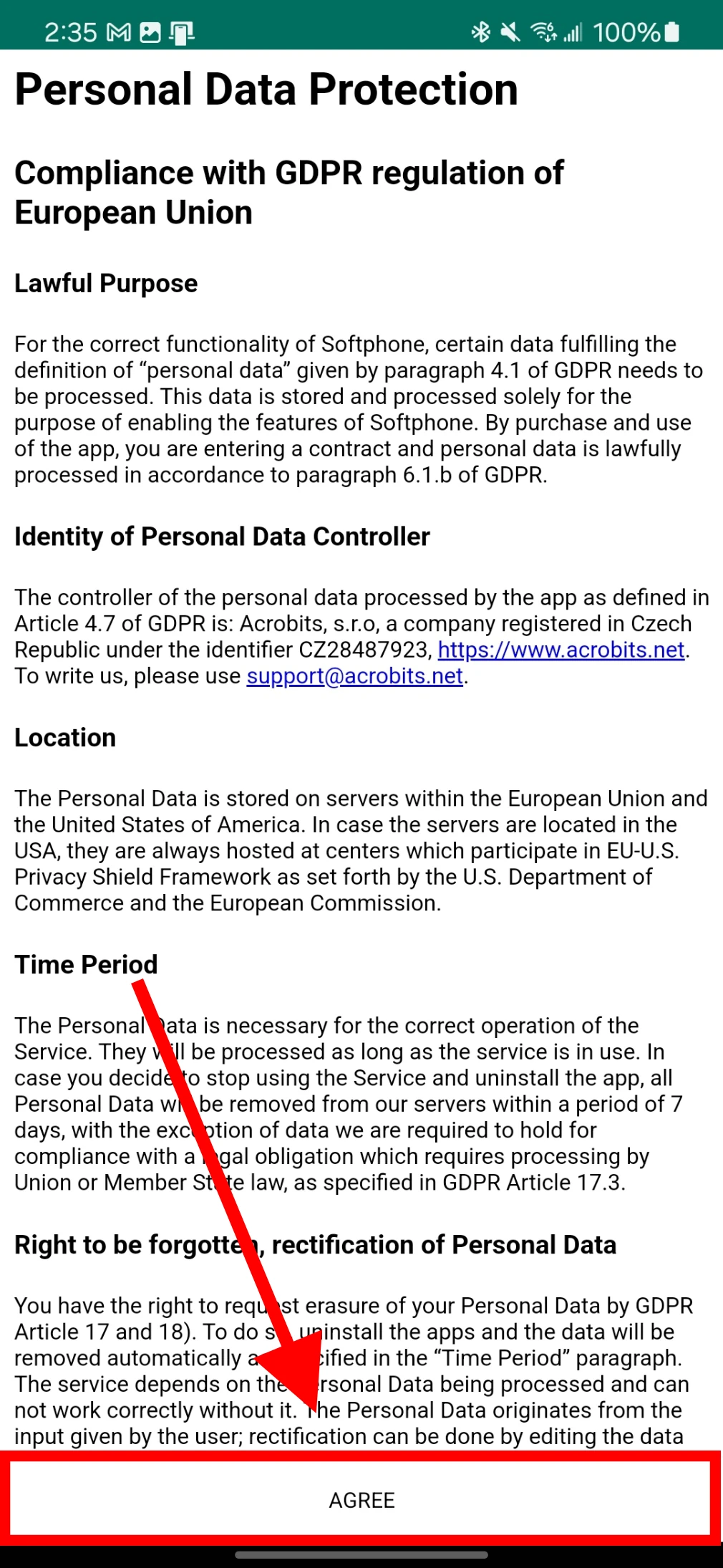
    Screenshot: Agree to the Terms of Service by pressing the “Agree” button at the bottom.
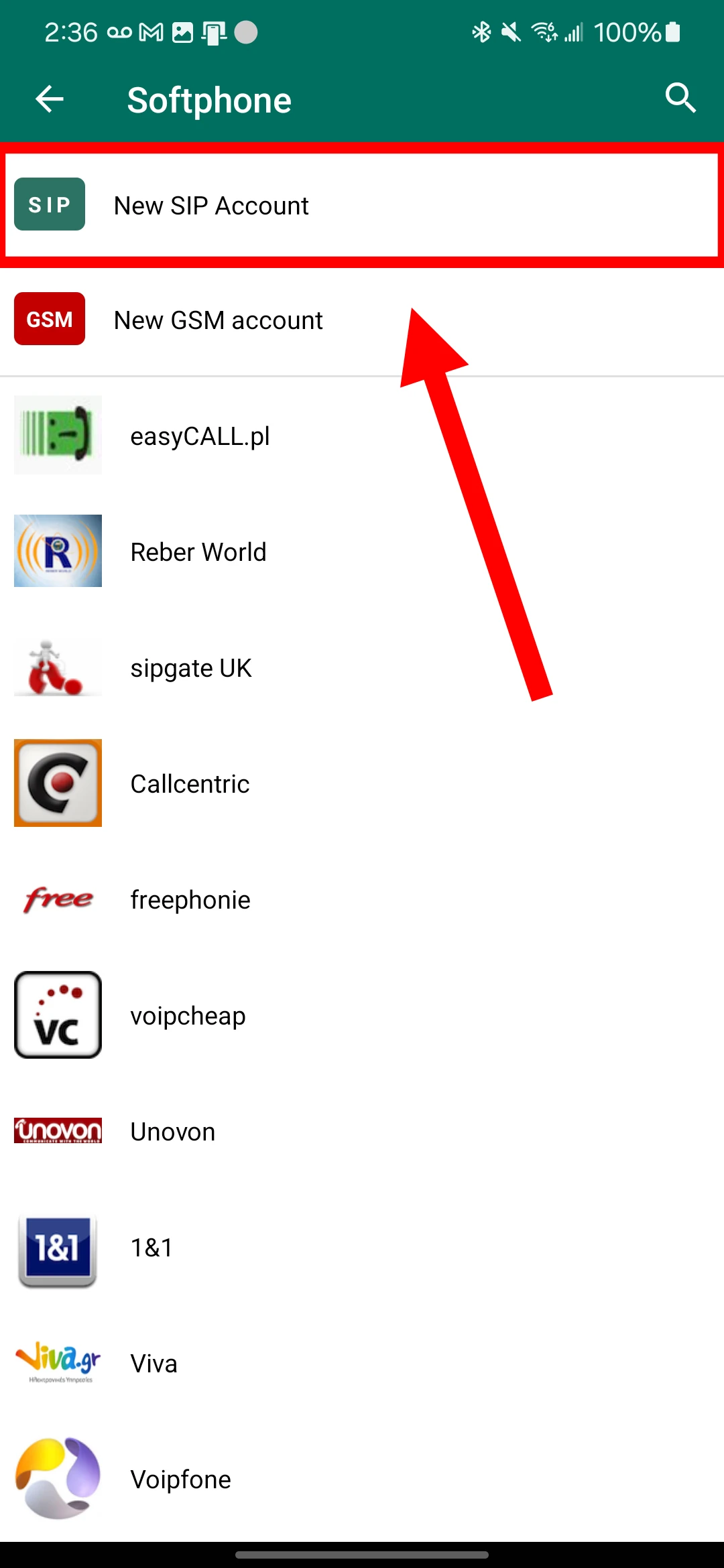
  3. Choose “New SIP Account”.

    Screenshot: Choose “New SIP Account”.
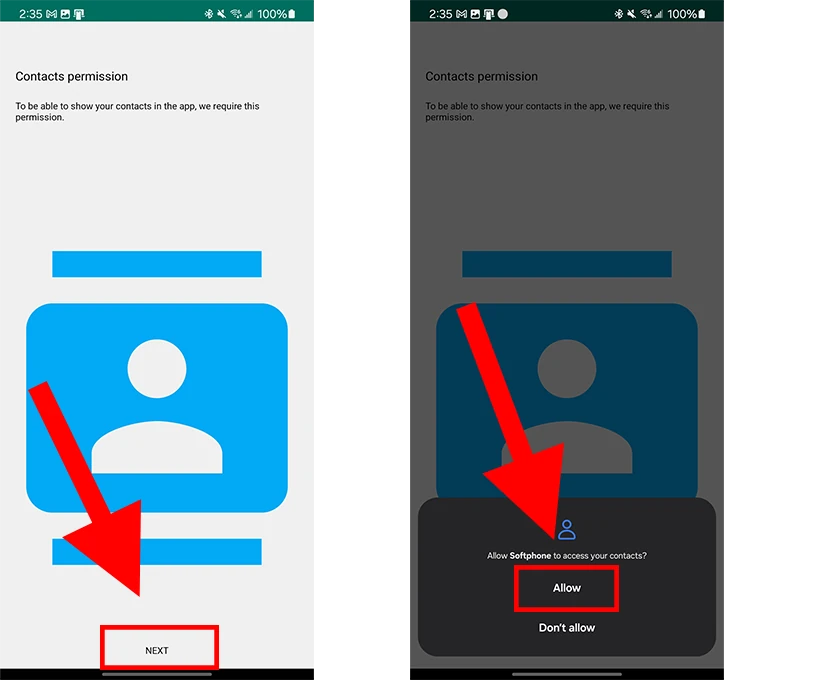
  4. Approve the following permissions:

    Screenshot: Approve the following permissions: